
Skip to:
Check the system requirements to make sure you can run DIGicon.
Download for iPad
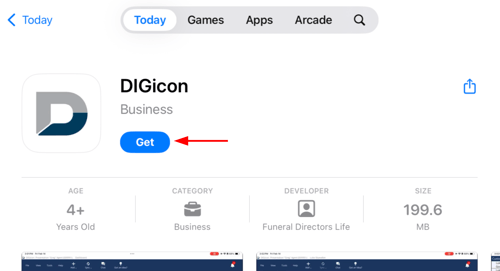
First, tap the button below to go to the App Store.

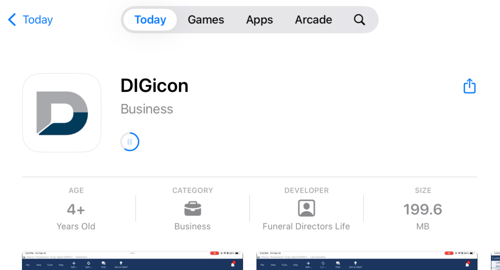
Tap Get to start downloading.
You may be asked for your Apple Account password.
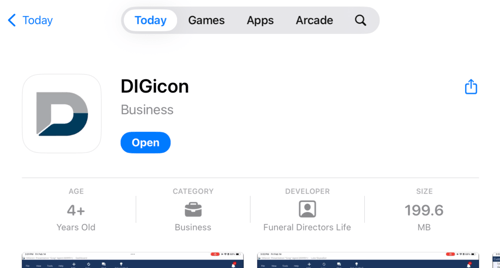
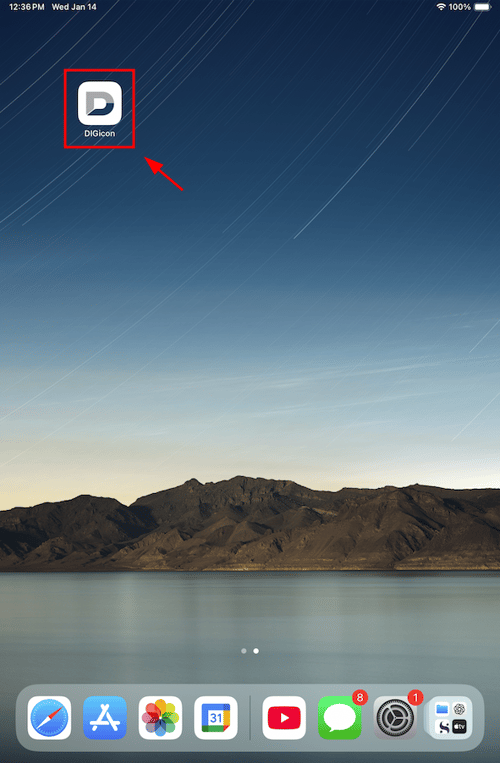
Once downloaded, tap Open or go back home and tap the DIGicon app.
Download for Mac
First, click the button below to go to the App Store.
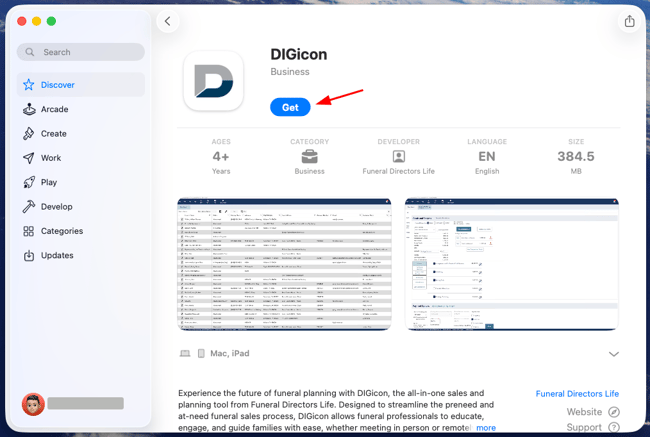
Click Get to start downloading DIGicon.
You may be asked for your Apple Account password.
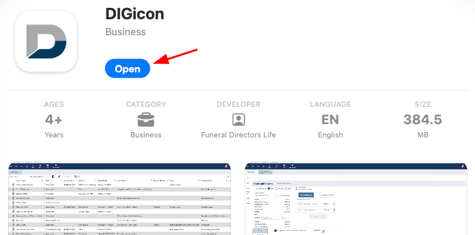
Once downloaded, click Open to start using DIGicon.
Related articles
If you have any questions or concerns, please contact the Help Center at (800) 692-5125 or email help@funeraldirectorslife.com.