
You must have Funeral Home or Sales Manager permissions in Online Access to reassign contracts.
How to reassign a contract
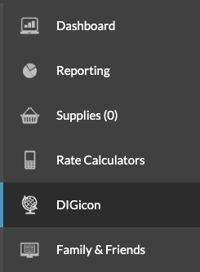
First, log in to Online Access and click DIGicon from the left menu.
Click the Approvals & Maintenance tab at the top of the page.
Select Contract Re-Assignment.

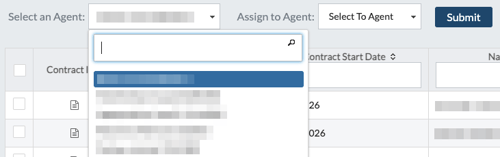
Under the Select an Agent dropdown, choose the agent who currently has the contract.
Sort or search for by Funeral Home Number, Contract Start Date, or Name.
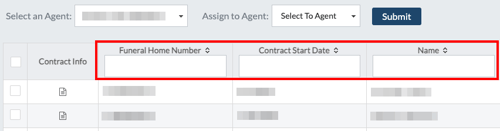
Check the box next to the contract(s) you want to reassign. You can select and reassign multiple contracts at one time.
Only contracts that have been synced by the original agent will appear.
Under the Assign to Agent dropdown, choose the agent receiving the contract.

Click Submit.
The receiving agent must sync their contracts in DIGicon for the contract(s) to appear on their dashboard. Contracts will have a Reassigned (purple) status.
If you have any questions or concerns, please contact the Help Center at (800) 692-5125 or email help@funeraldirectorslife.com.